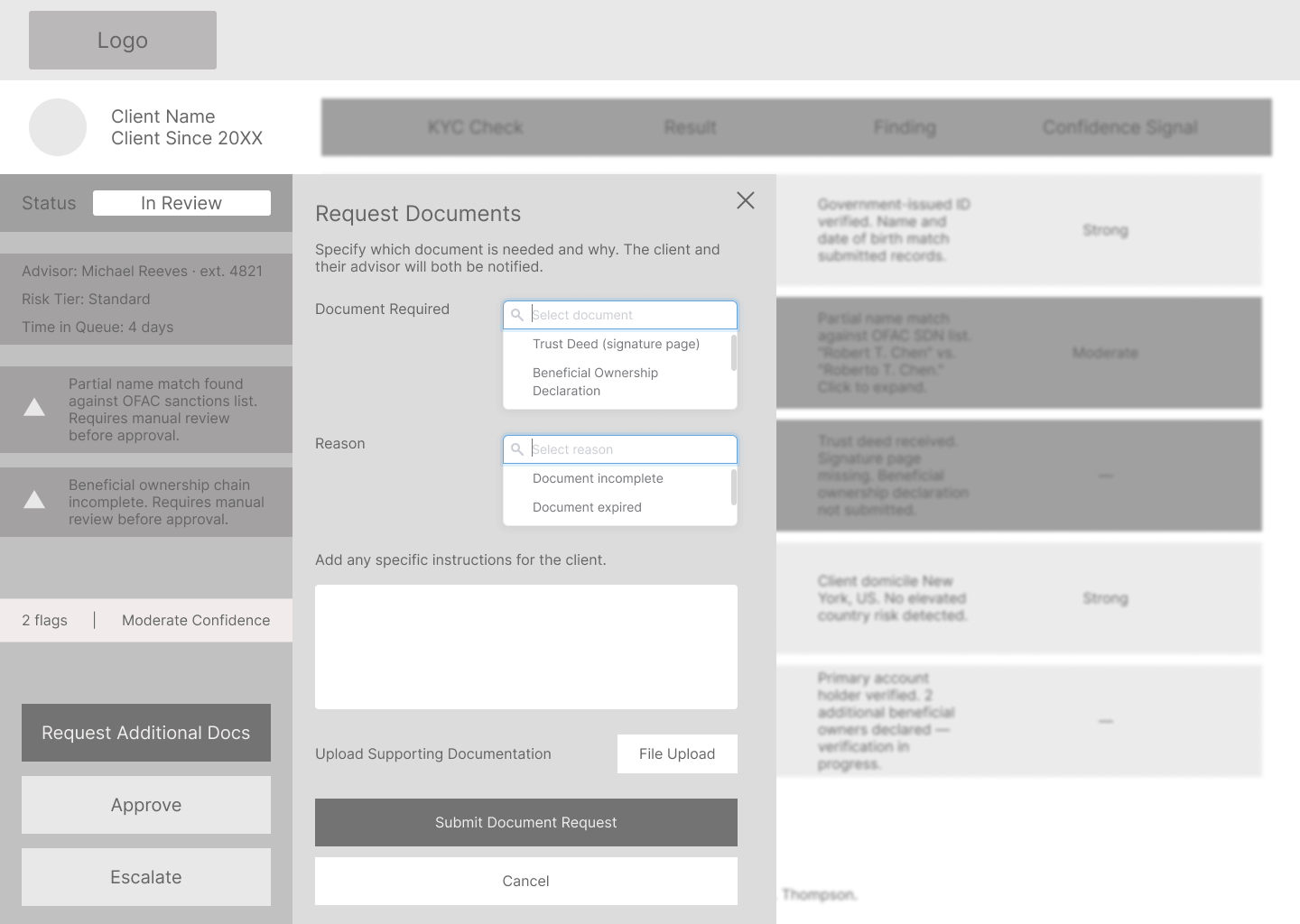
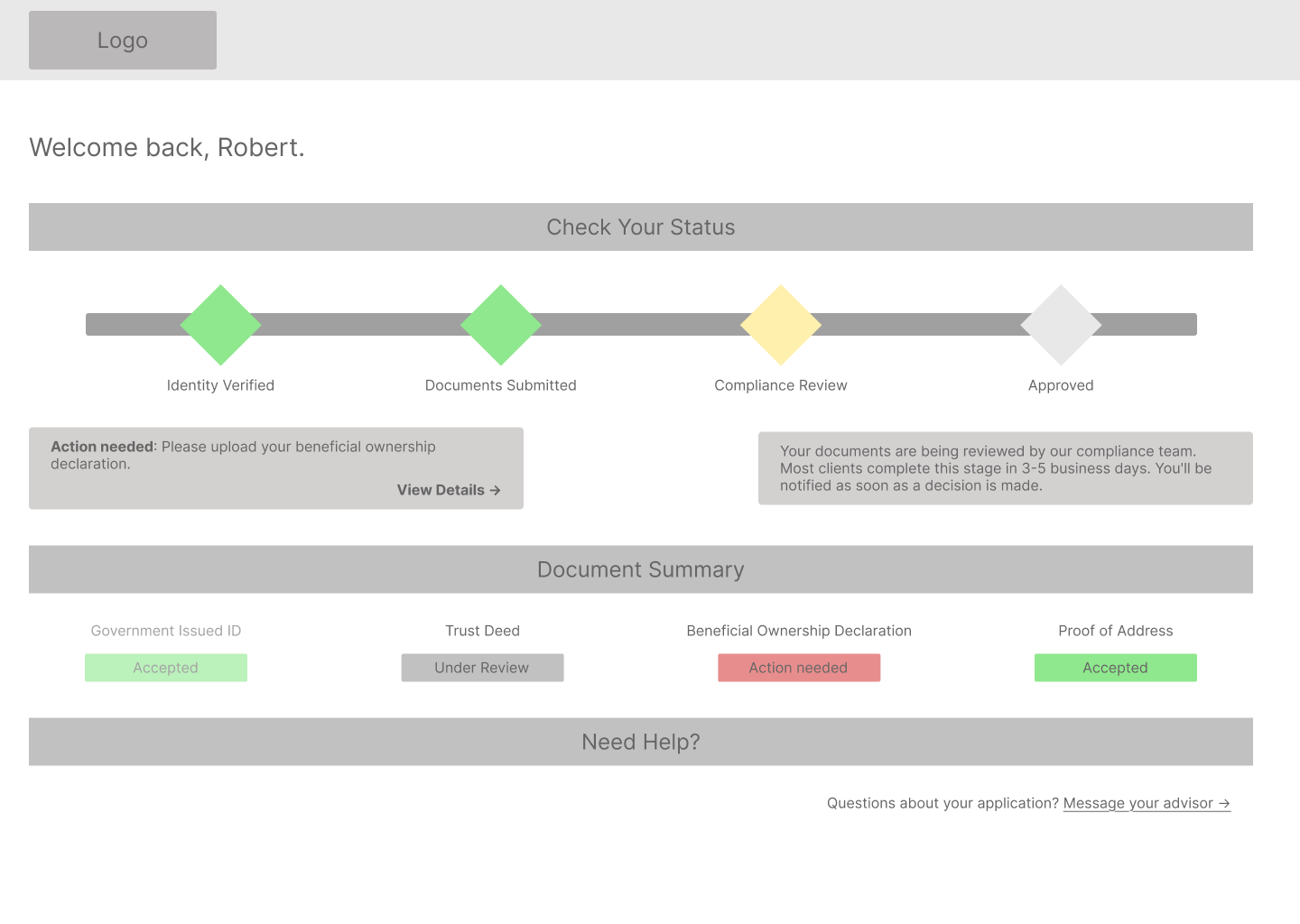
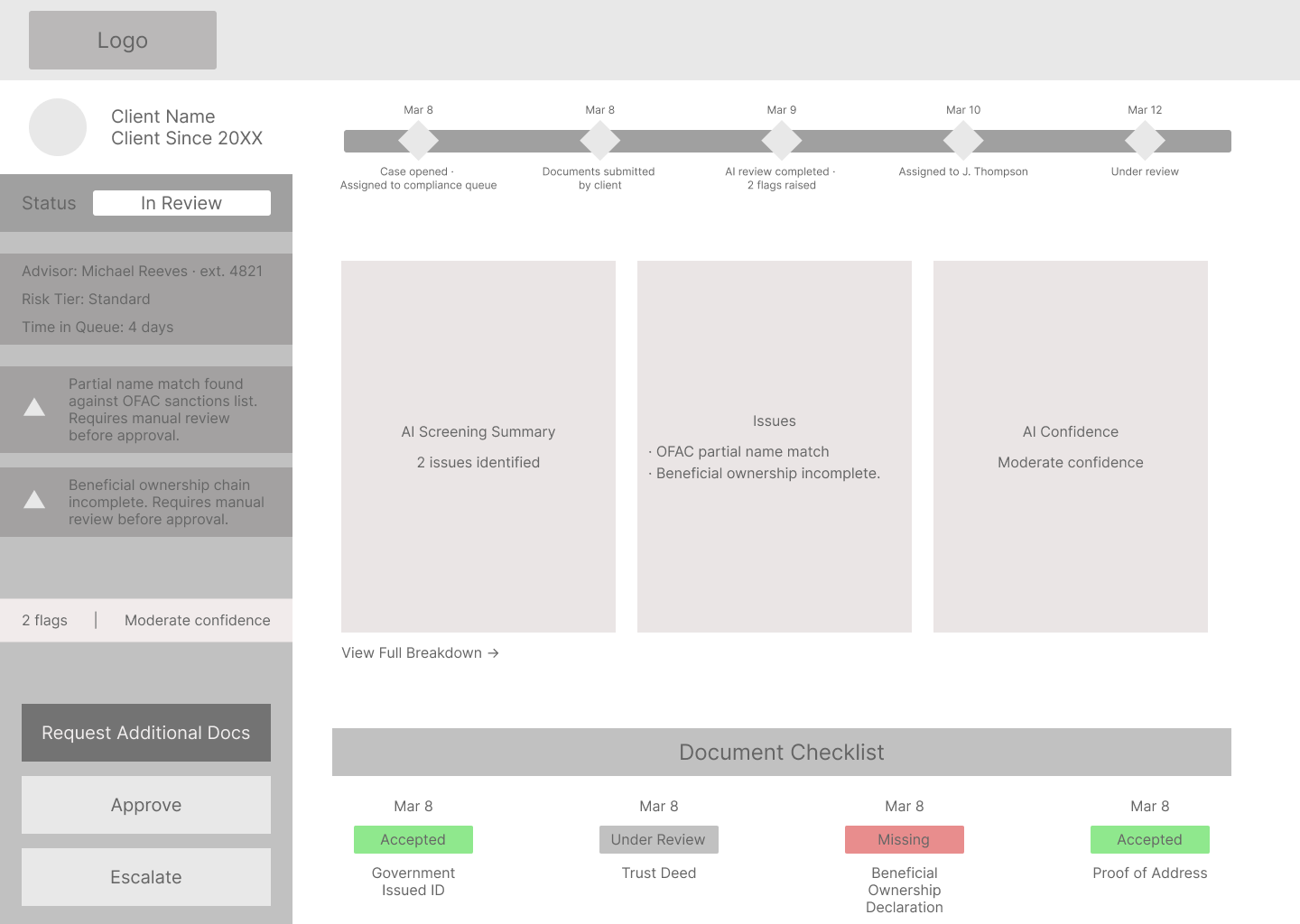
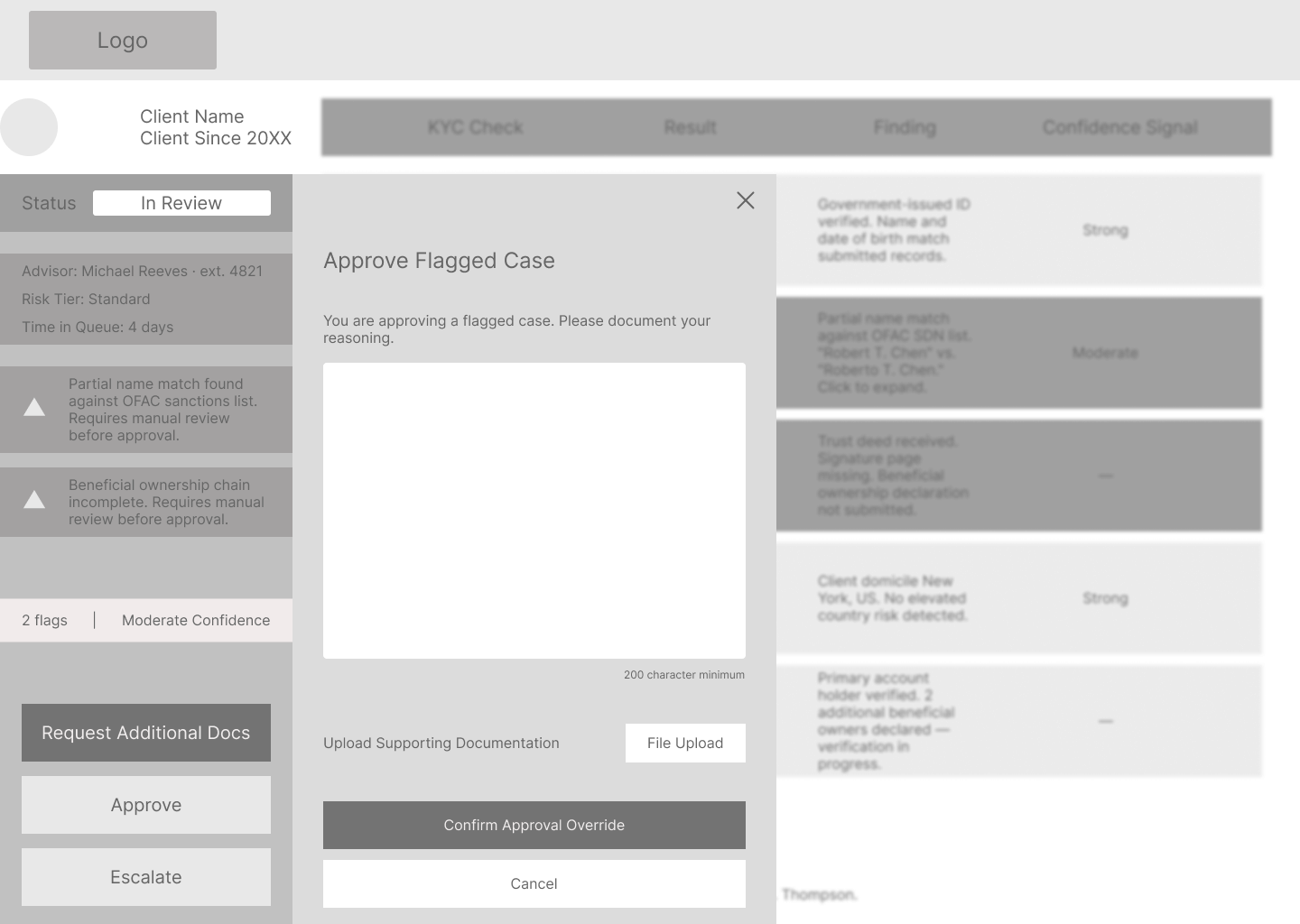
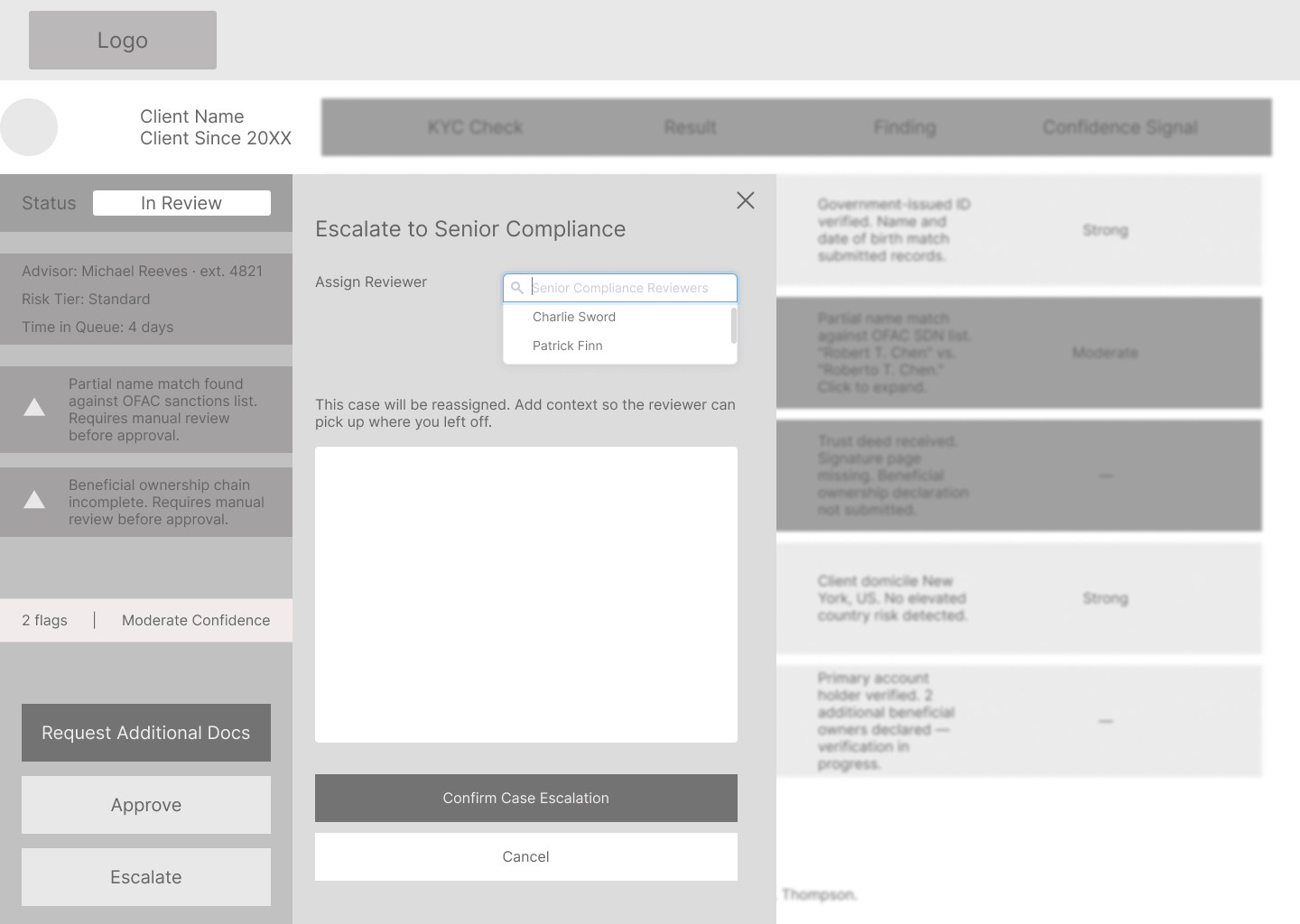
The AI explanation layer is the highest-stakes screen in this system. I designed how the results are displayed. The harder problem is what sits underneath it. Screen 15 assumes the underlying risk engine exposes per-check results through an API layer: result, finding, and confidence signal for each discrete check. Current enterprise compliance platforms typically surface aggregate scores, not check-level breakdowns. Validating that data contract with the vendor (NICE Actimize, Oracle FCCM, or Fenergo) is the first technical dependency before Screen 15 ships. I know what I don't know here, and that conversation with engineering is where the real design work starts.
I'd also want to test the check table on Screen 15 with actual compliance officers before committing to it. I designed it to be scannable. Whether that column structure maps to how a compliance officer actually reads and processes risk is something I need to watch in practice, not assume from the outside.
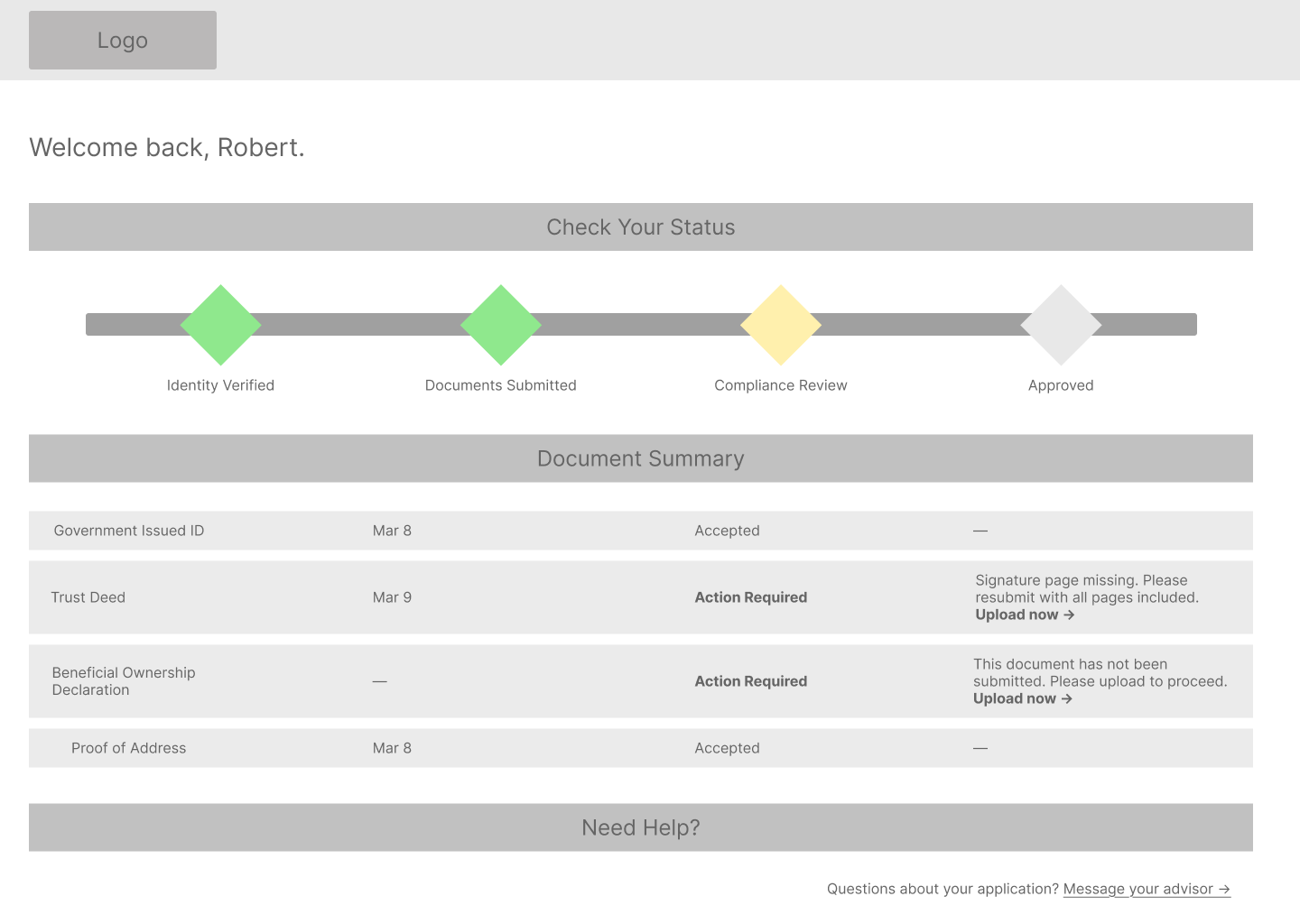
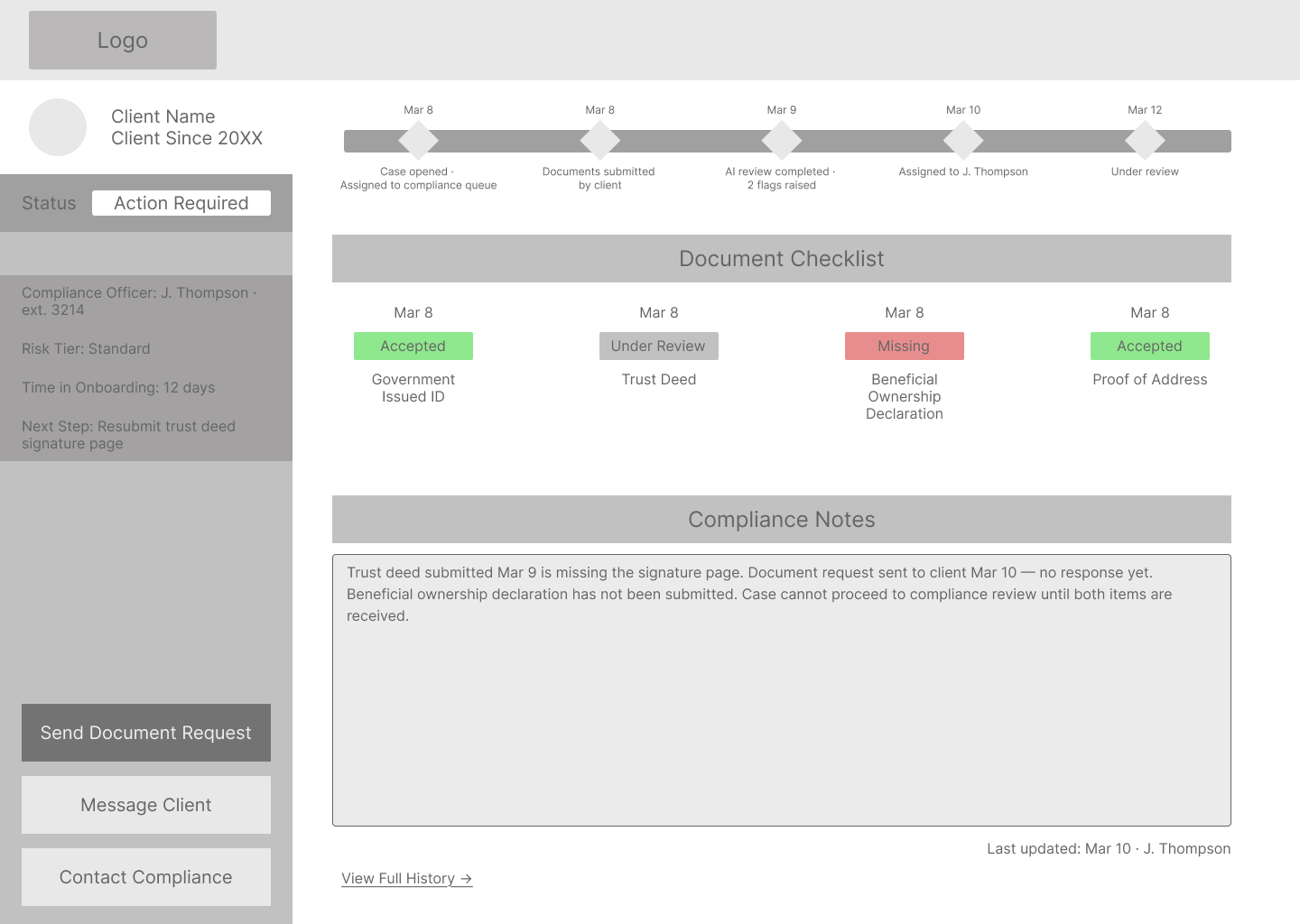
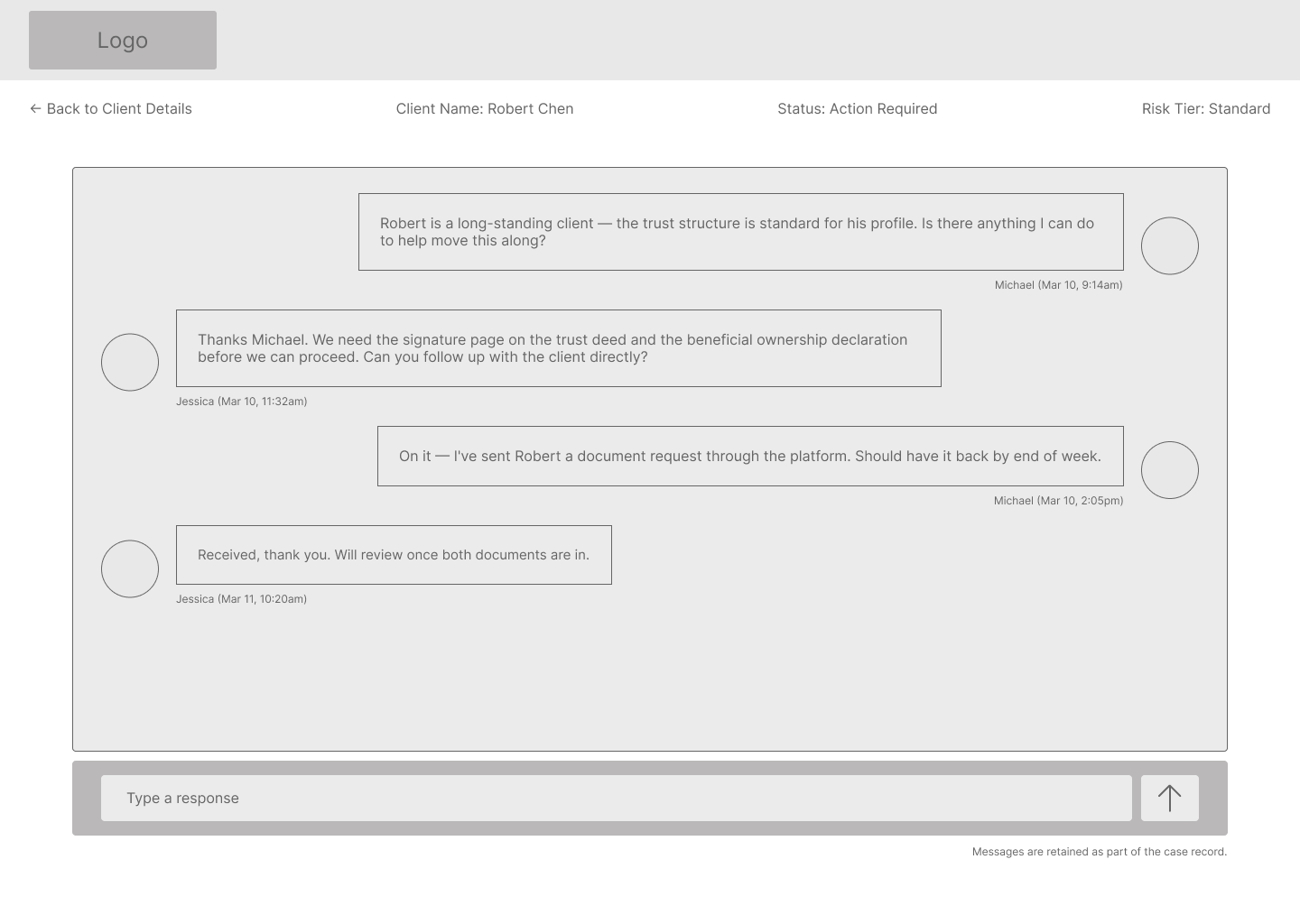
The design also doesn't address error states: what happens when a document upload fails, when the AI engine is unavailable, or when a case gets manually reassigned mid-review. And the write-back loop needs its own design pass. When Jessica approves or escalates a case on Screen 16, that decision has to propagate back to Robert's status view on Screen 5 and Michael's case detail on Screen 9. That coordination flow goes unaddressed in this version and is where the next design cycle starts.
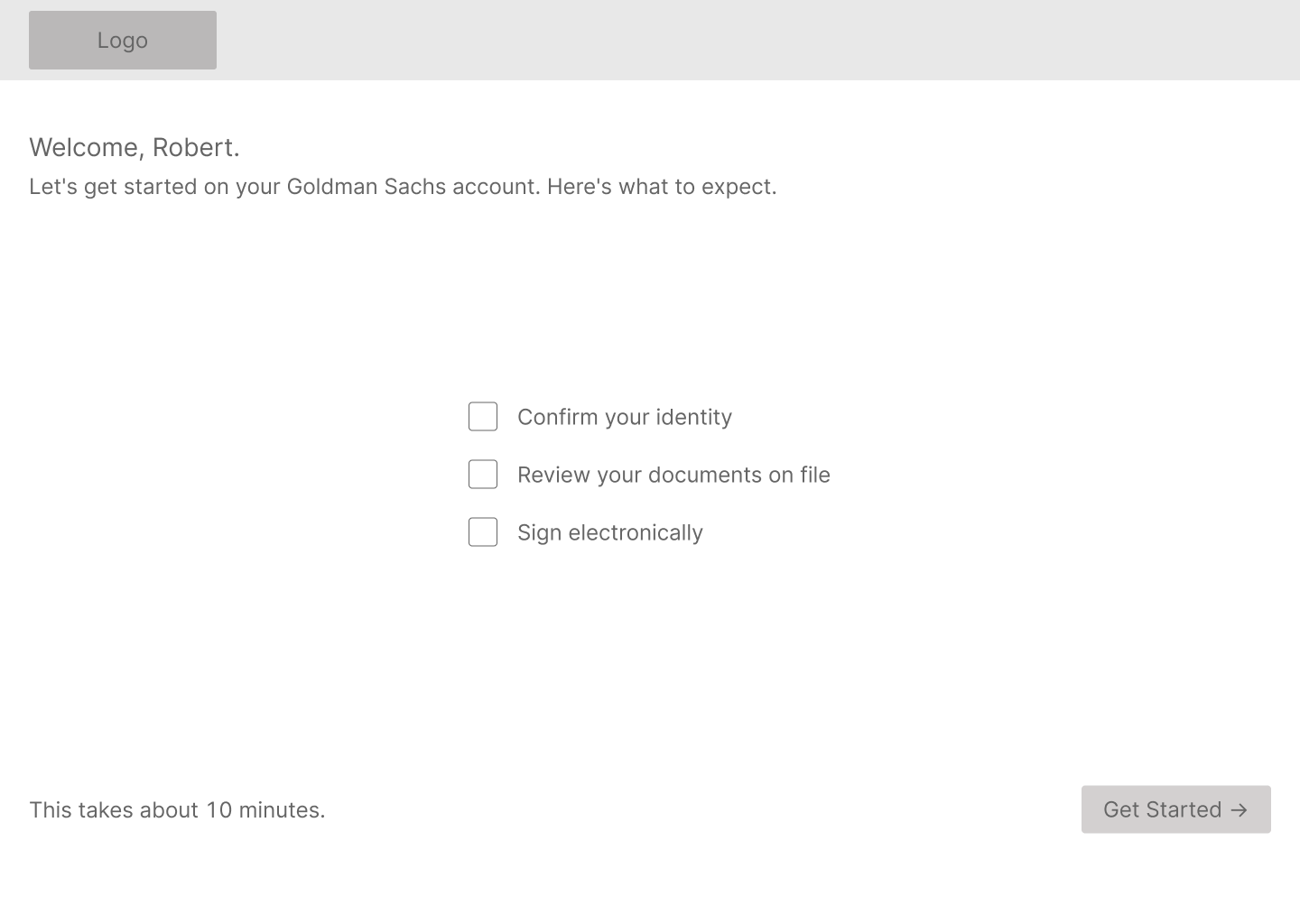
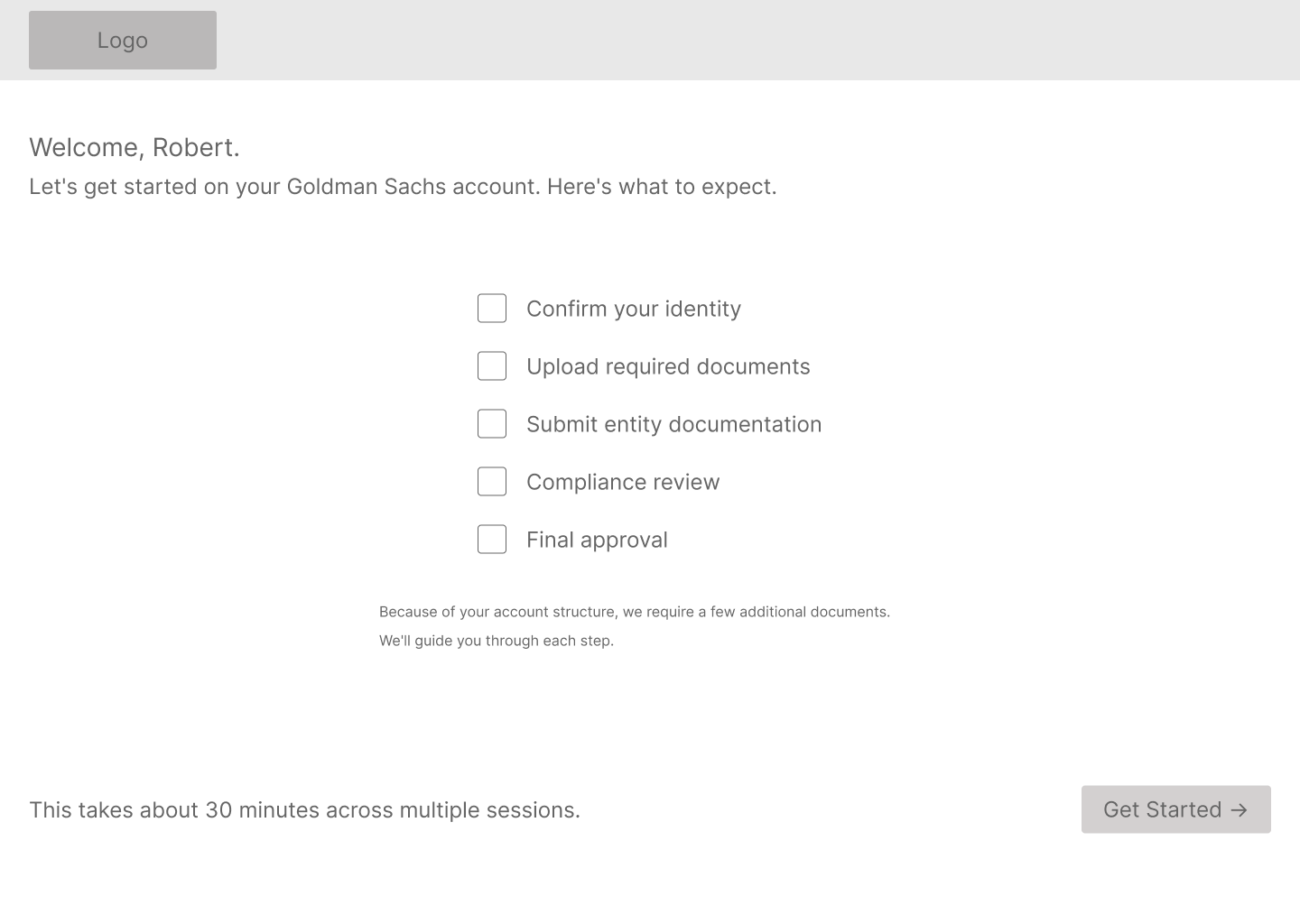
And the client flow language on Screen 1 needs real HNW client testing. "Enhanced Due Diligence" is deliberately plain, but how much upfront disclosure is the right amount, and how to frame it without making the process feel more intimidating than it needs to be, is something I wouldn't finalize without talking to actual clients.
Accessibility is also on the next-priority list. Client-facing flows are scoped to WCAG 2.1 AA, which is appropriate for the age profile of private wealth clients and a regulatory expectation in financial services. Extending that standard to the advisor and compliance interfaces, and building proper alt text into all image assets, is the next pass before this goes anywhere near a live audience.